
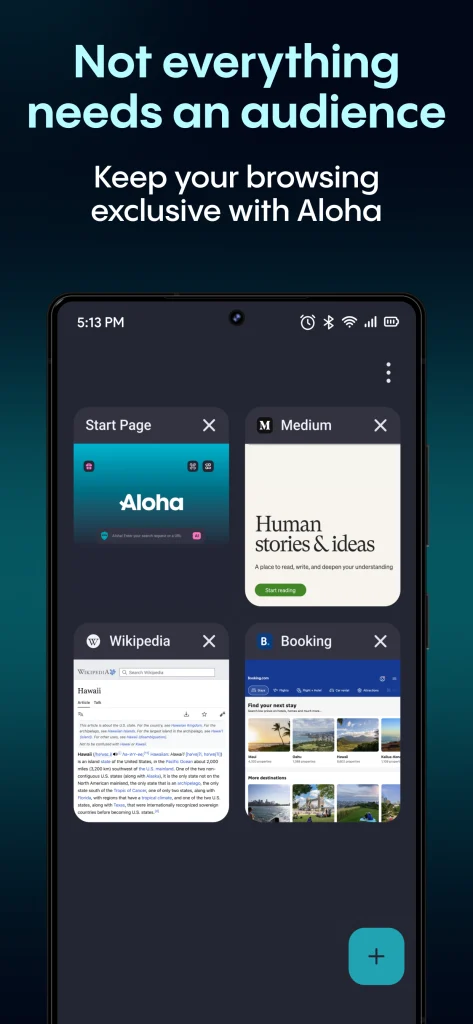
Internet privacy has become a common concern for people who use public Wi-Fi, access personal accounts while travelling or simply want more control over their online activity. Every time you browse a website, use an app or connect to a network, information about your connection can be exposed through your IP address and browsing behaviour.
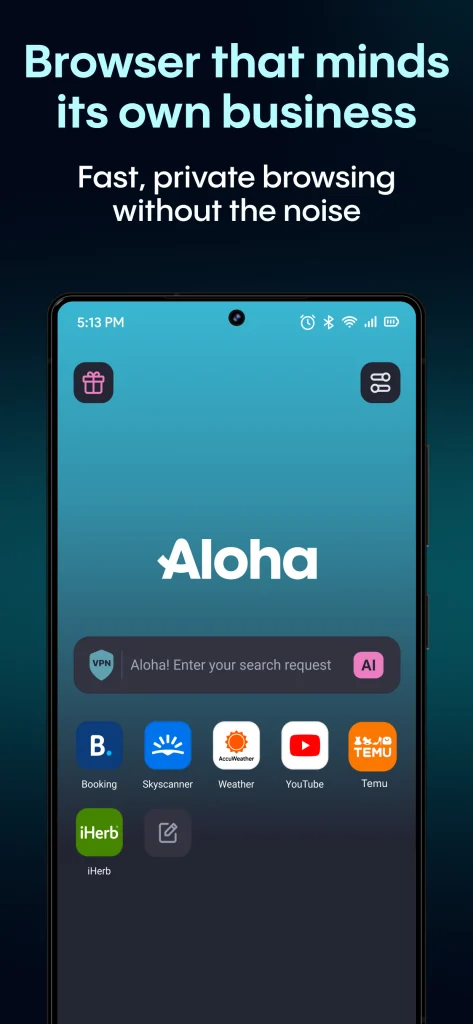
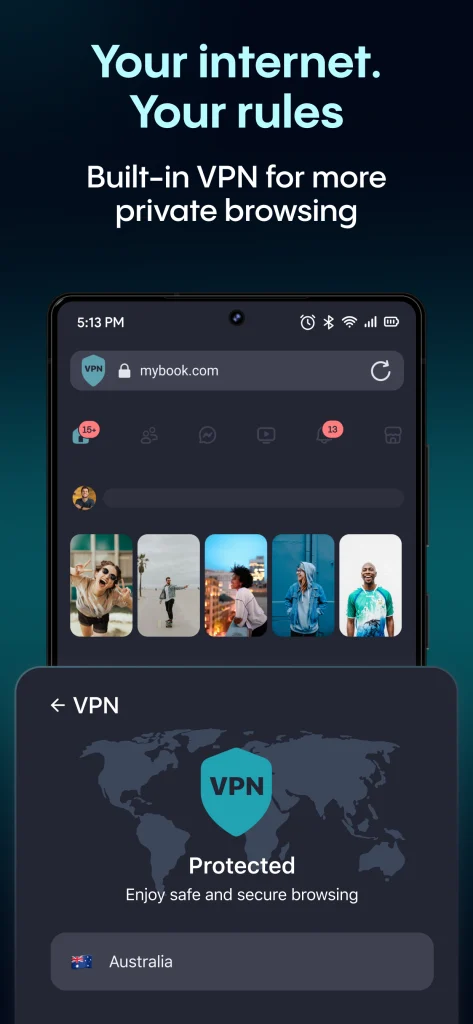
Browser Aloha is a privacy-focused browser and VPN app designed to help users browse the internet with additional protection. It combines a web browser with built-in VPN features, allowing users to hide their IP address, improve online privacy and access websites more securely.
For users searching for a simple private browser with VPN capabilities, Aloha offers an approach that removes the need to install separate browser and VPN applications. However, understanding its features, limitations and suitable use cases is important before choosing it as a daily privacy tool.
Why users are looking for private VPN browsers
Traditional browsers mainly focus on opening websites, managing tabs and saving bookmarks. They do not always provide extra privacy tools that protect users when they connect through unsecured networks or public hotspots.
A private VPN browser combines browsing features with a virtual private network service. This helps create a more protected connection between the user and the internet by routing traffic through a VPN server. People often look for VPN browsers for situations like:
- Using airport, hotel or cafe Wi-Fi
- Protecting personal browsing activity
- Reducing exposure of their real IP address
- Accessing websites while travelling
- Adding an extra privacy layer on mobile devices
A VPN does not make someone completely anonymous online, but it can help improve privacy by masking the user’s visible network location and encrypting internet traffic between the device and the VPN server.
What makes Browser Aloha different from regular browsers?
Browser Aloha is built around privacy features rather than only traditional browsing. The app includes a built-in VPN option, private browsing tools and media-related features that aim to provide a more flexible mobile browsing experience.
Instead of switching between a separate VPN application and a browser, users can manage browsing and VPN protection from one place. This can be useful for beginners who want a simple setup without adjusting complicated network settings. The browser is available mainly for mobile users and focuses on features such as:
- Built-in VPN connection
- Private browsing mode
- Download management
- Media player support
- Tab management
- File protection options
The exact availability of features can depend on the app version, device type and region.
How does Browser Aloha VPN help protect online privacy?
Browser Aloha VPN works by creating a connection between the user’s device and a VPN server. Instead of websites seeing the user’s original IP address directly, they see the IP address associated with the VPN connection.
For example, someone browsing from a coffee shop may normally appear to websites through the cafe’s network. With a VPN connection enabled, the traffic is routed through a VPN server before reaching the website. This can provide advantages in situations where users want additional protection, such as:
- Public Wi-Fi connections where network security may be uncertain
- Travelling and using unfamiliar internet connections
- Protecting browsing sessions from local network monitoring
However, a VPN should be viewed as a privacy tool rather than complete online protection. Users should still follow basic security practices like using strong passwords, enabling two-factor authentication and avoiding suspicious downloads.
Key features users should know before installing Browser Aloha
Built-in VPN access
The main attraction of Browser Aloha is its integrated VPN feature. Users do not need a separate VPN app running alongside their browser, which makes the experience simpler. A built-in VPN can be helpful for people who want quick privacy protection without learning advanced settings.
Private browsing tools
The browser includes privacy-focused browsing options that help users manage their online sessions. Private modes can prevent local browsing history from being stored in the normal way on the device.
However, private browsing does not mean complete invisibility. Internet providers, websites and online services may still collect information depending on their own policies.
Media and download features
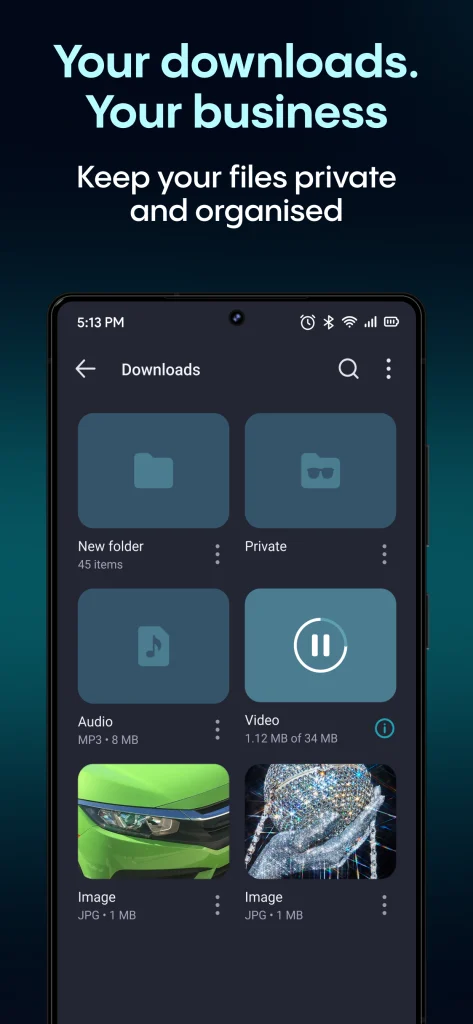
Unlike many standard browsers, Aloha has focused on media handling. Users can browse, download files and manage certain content directly through the application. This makes it attractive for people who use their mobile browser for more than simple web searches.
Password and file protection
Some versions of Aloha include tools designed to protect stored files and private content. These features can be useful for users who keep personal documents, images or downloads on their devices.
Is Browser Aloha free to use?
Browser Aloha offers free and premium features depending on the version and subscription options available. Free VPN services often come with limitations related to server choices, speed, data usage or additional features. Before choosing any VPN app, users should review:
- Available VPN locations
- Privacy policy details
- Subscription terms
- Device compatibility
- Features included in free and paid plans
A free VPN can be useful for basic privacy needs, but users with advanced requirements may need a more specialized VPN provider.
Common mistakes people make when using VPN browsers
Many users assume that installing a VPN automatically makes all online activity private. This is one of the most common misunderstandings. A VPN browser does not replace general online security habits. Users should avoid:
- Logging into sensitive accounts on unknown websites
- Downloading files from unreliable sources
- Ignoring app permissions
- Using the same password everywhere
Another mistake is choosing a VPN only based on whether it is free. Privacy depends heavily on how the service handles user data, so reviewing the provider’s privacy practices matters.
Who should consider using Browser Aloha?
Browser Aloha may be suitable for users who want a simple private browsing experience with VPN functionality included in the same app. It can be useful for:
- Mobile users who frequently browse on public networks
- Beginners looking for easy VPN access
- People who want privacy features without complicated setup
It may not be the best choice for users who need full device-wide VPN protection, advanced security controls or business-level privacy solutions. You can also download Tor Browser Mod APK.
Final thoughts on Browser Aloha as a privacy tool
Browser Aloha provides a convenient option for users who want a browser with built-in VPN features instead of managing separate applications. Its simple approach makes privacy tools more accessible for everyday mobile users.
However, choosing a VPN app should involve more than looking at features alone. Users should consider privacy policies, security practices, device needs and whether they require browser-only protection or full device coverage.
For casual browsing privacy and safer connections on mobile networks, Browser Aloha can be a practical option. Users with advanced privacy requirements may want to compare it with dedicated VPN services that offer broader protection.


